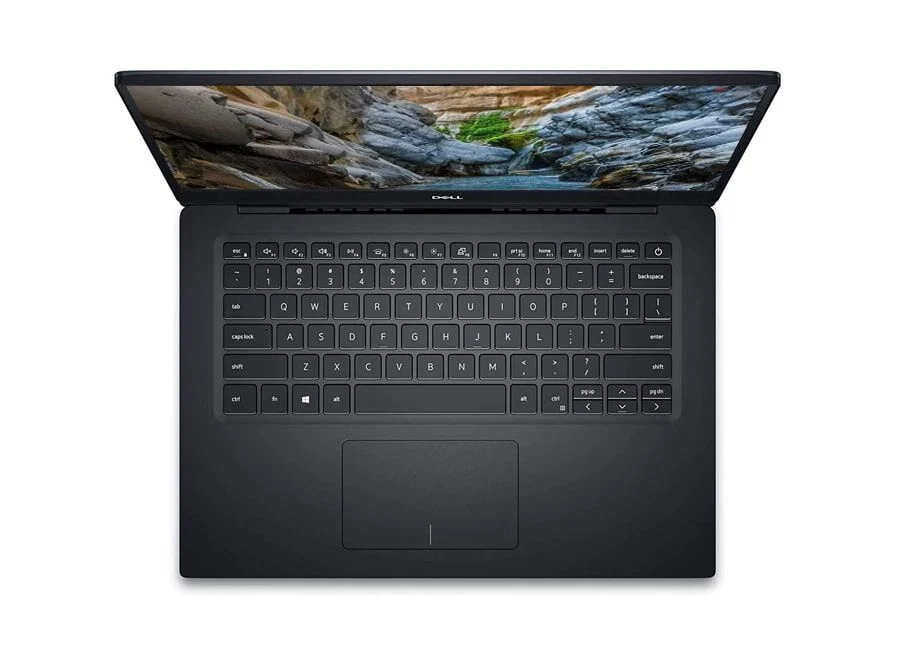
 Used Laptop Checklist
10 Things to Check Before Buying a Used Laptop
A good used laptop can save you a lot of money. A bad one costs you more later. Use this checklist — whether you buy from us or anyone else.
- Battery health — ask for the battery report or cycle count. Over 80% health is good.
- Screen — open a white and a black image to spot dead pixels, bright spots or lines.
- Keyboard — type every key; check backlight if it has one.
- Touchpad — click, scroll and two-finger gestures.
- Ports — test every USB, USB-C, HDMI and the charging port.
- Hinges — the screen should stay where you put it, without wobble.
- Wi-Fi, Bluetooth, camera and mic — make a quick video call.
- Storage — make sure it is an SSD and the size matches the listing.
- Body — look for cracks around corners and screws.
- Windows activation — Settings → Activation should say "activated".
At S.W Computers: every product is inspected by our Quality Control before it leaves the store, and you are welcome to run this whole checklist yourself at our Hafeez Center stores.