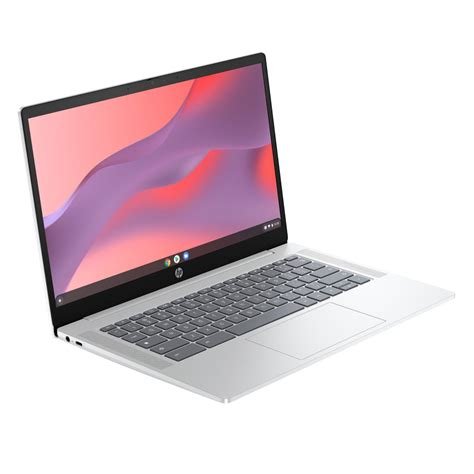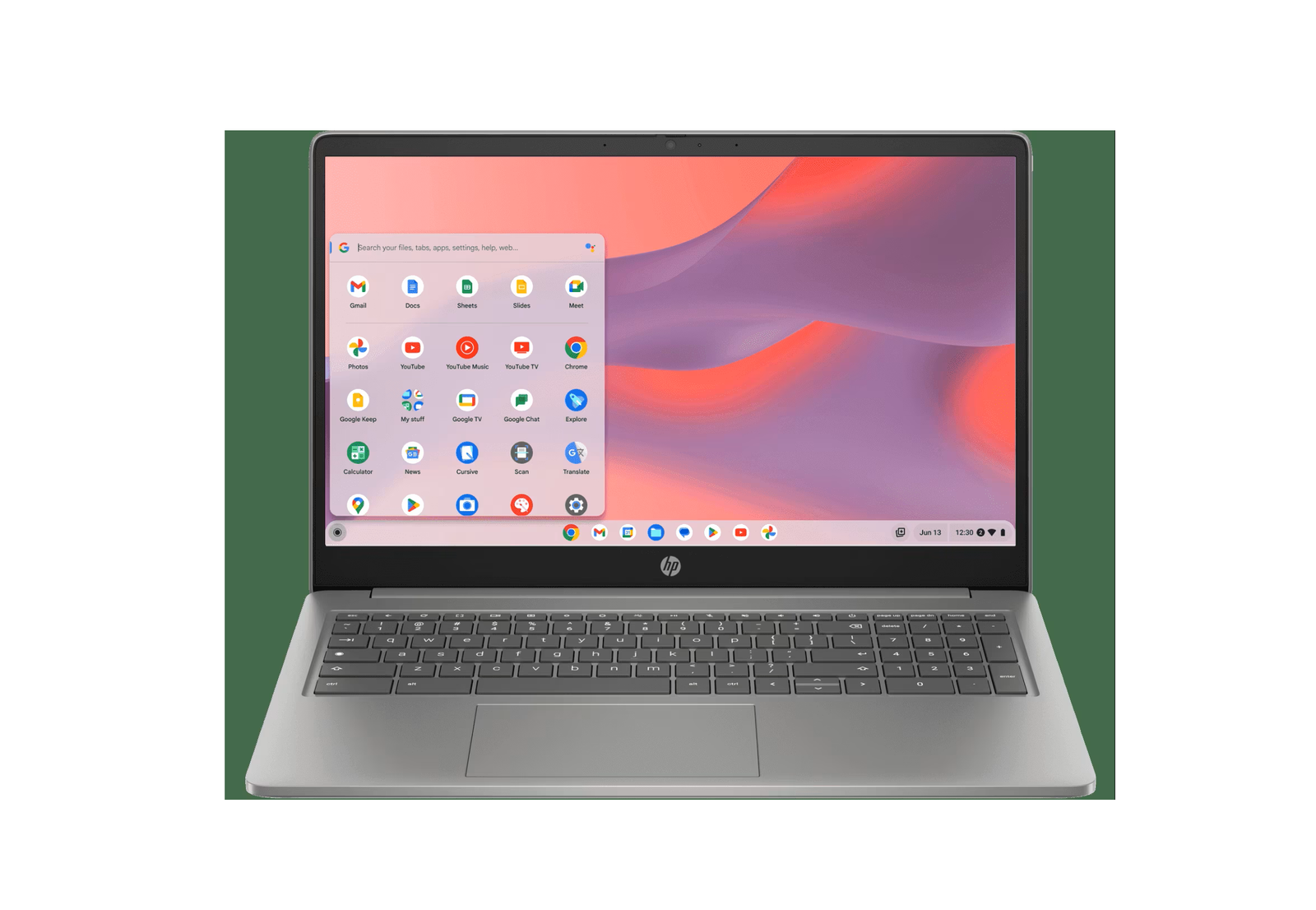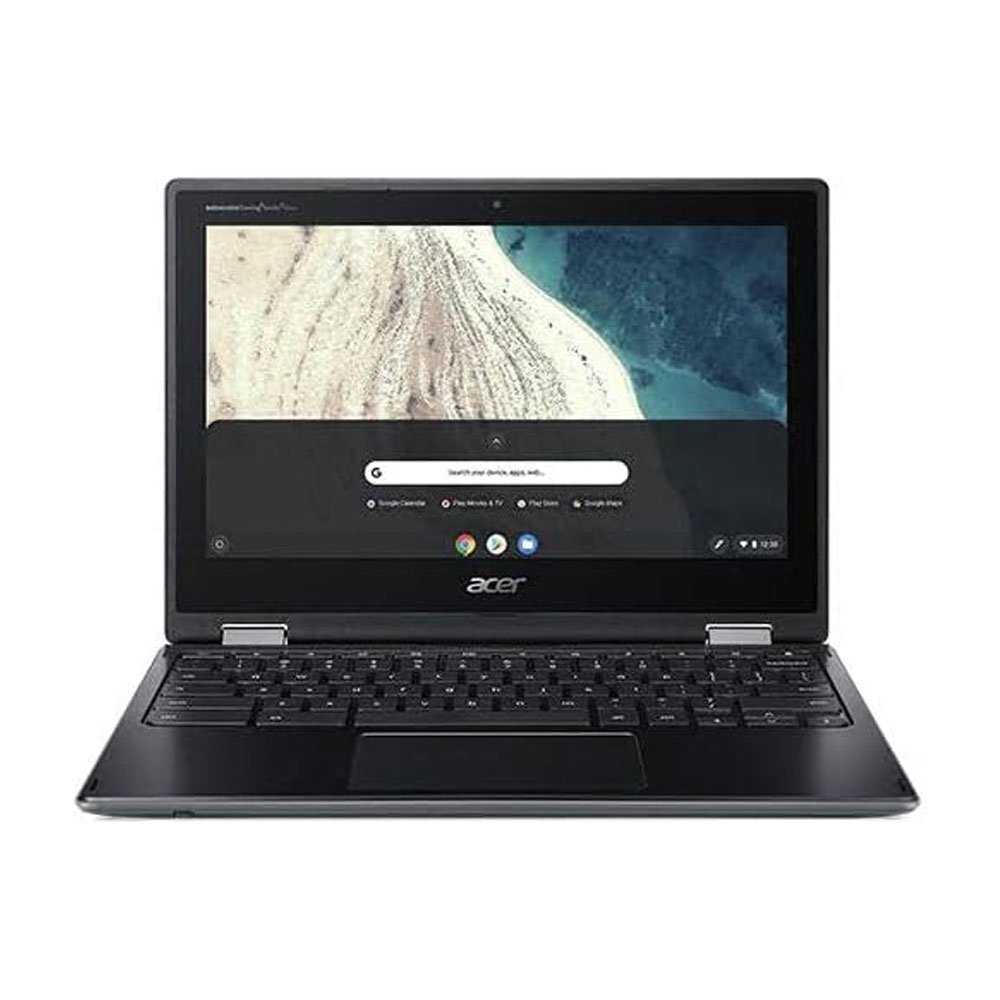
 Chromebook vs Laptop
Chromebook vs Windows Laptop: Which Is Better for You?
Chromebooks have become one of the most affordable ways to get a reliable laptop. But they run ChromeOS, not Windows — and that difference matters.
What a Chromebook does well
- Boots in seconds and stays fast over time.
- Automatic security updates — no antivirus needed.
- Great battery life and light weight.
- Perfect for Google Classroom, Docs, Meet, YouTube and web browsing.
- Runs many Android apps from the Play Store.
Where a Windows laptop wins
- Full Microsoft Office desktop apps.
- Software like AutoCAD, Adobe Photoshop / Premiere, Visual Studio, Tally.
- PC games and offline-heavy work.
- More storage for local files.
Check the update date
Every Chromebook model has an Auto Update Expiration date. Buy one that still has years of updates left — we mention it on our listings (for example, "updates until 2031").
Simple rule: if everything you do happens in a browser, a Chromebook is the smartest buy. If you need specific Windows software, get a Windows laptop.